
Latest Version
Indigogo LTD
iOS
Free
6470321805
Report a Problem
More About Mailbox Email Client for Gmail
Tackle Inbox Overload with AI-Powered Simplification
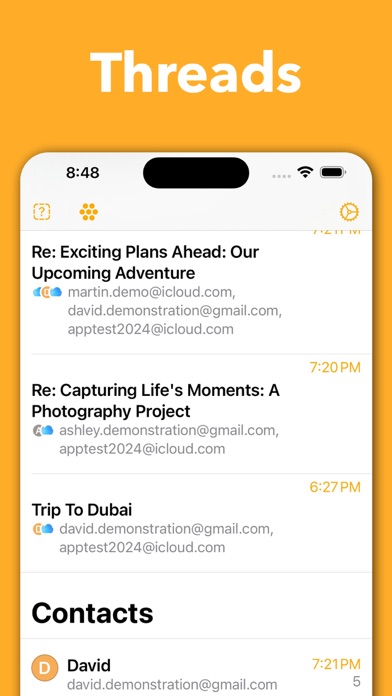
If you find yourself drowning in long newsletters, endless corporate threads, and a constant stream of unread messages, the Mailbox Email Client for Gmail offers a refreshing way to regain control. Instead of forcing you to read every line of a lengthy message, this iOS application leverages intelligent AI technology to automatically extract key points and generate concise summaries. Designed specifically to work with your Google accounts, it transforms the chore of email management into a streamlined, highly productive routine.
Key Features of Mailbox Email Client for Gmail
This application is built from the ground up for modern iOS devices, combining native performance with advanced productivity tools. Here is what makes it stand out:
- AI Email Summarization: Powered by OpenAI, the app can instantly condense long-winded messages and reports into digestible bullet points, saving you valuable reading time.
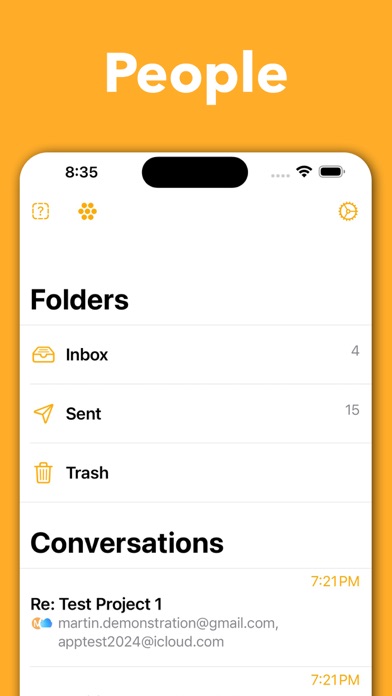
- Seamless Multi-Account Management: Toggle between various Gmail profiles instantly without the hassle of constant re-authentication, while keeping individual preferences separate for each account.
- Smart Scheduling & Snoozing: Temporarily remove emails from your sight and schedule them to reappear precisely when you are ready to address them.
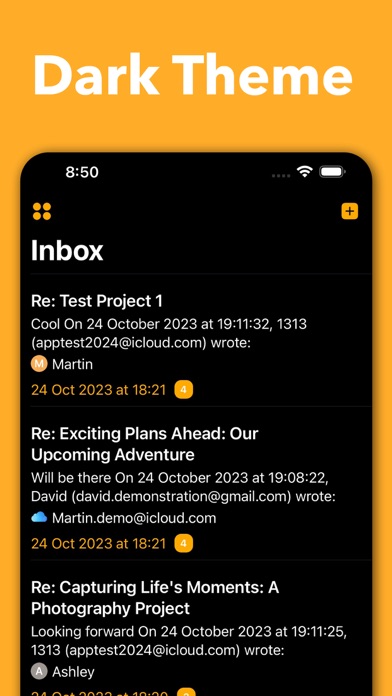
- Fluid Swipe Gestures: Archive, delete, star, or snooze conversations with quick, customizable swipe actions.
- Secure OAuth2 Architecture: Your security is prioritized with official Google OAuth2 authentication, meaning your credentials are never stored on external servers and your data remains protected via the iOS Keychain.
Who Is This Smart Email Client For?
The Mailbox Email Client for Gmail is tailored for professionals handling high volumes of daily correspondence across multiple addresses. It is also an excellent fit for tech-savvy iOS users who want to experiment with AI-assisted productivity without committing immediately; the app features a risk-free offline demo mode with realistic sample emails so you can test its capabilities before linking your actual accounts.
System Requirements and Setup
To run the application, you will need an iPhone running iOS 15.0 or later. While the core client and multi-account features work out of the box with your standard Gmail accounts, utilizing the advanced AI summarization tool requires your own optional OpenAI API key. This setup ensures that your data processing remains direct and transparent.
Final Verdict
For users seeking a clean, SwiftUI-based alternative to standard email applications, this client delivers a highly optimized, gesture-driven workflow. To experience this modern approach to inbox management firsthand, head over to the official App Store to download the Mailbox Email Client for Gmail today.
Rate the App
User Reviews

Popular Apps










Editor's Choice