

Latest Version
Okta, Inc.
General
Mac
Free
490179405
Report a Problem
More About Okta Verify
The Ultimate Shield for Your Corporate Accounts
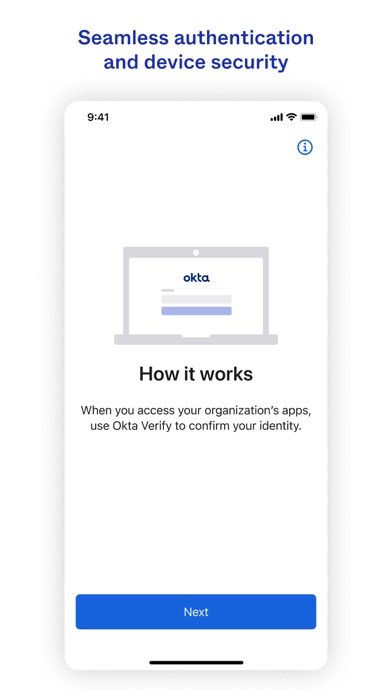
In today's digital landscape, securing your professional identity is more critical than ever. Okta Verify multi-factor authentication provides a seamless, robust layer of security designed to ensure that only you can access your enterprise applications. Developed by Okta, Inc., this lightweight security utility simplifies the identity verification process without compromising on safety.
Key Features of Okta Verify Multi-Factor Authentication
Whether you are logging in from a new location or performing routine daily sign-ins, the app offers multiple streamlined verification pathways:
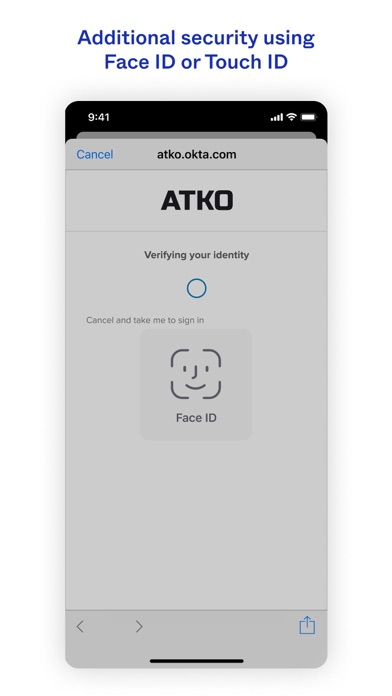
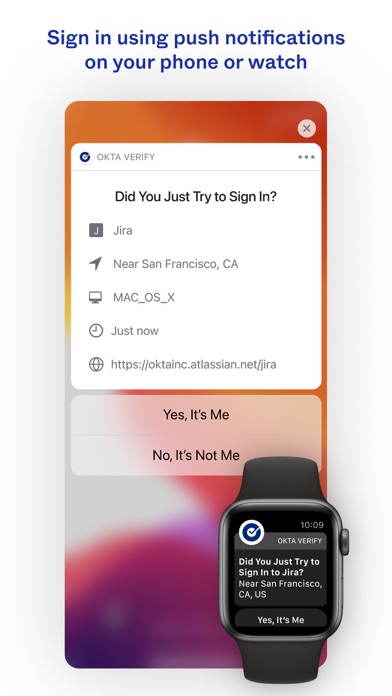
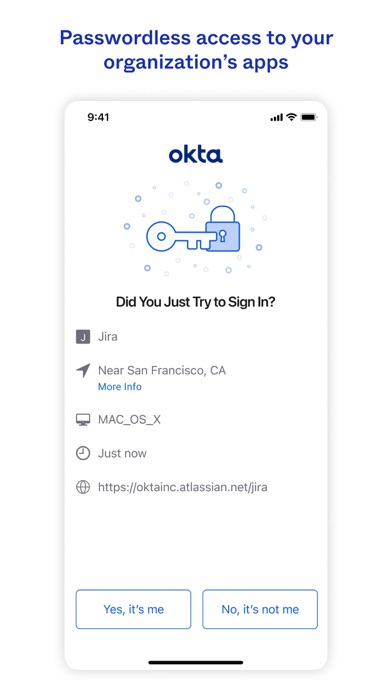
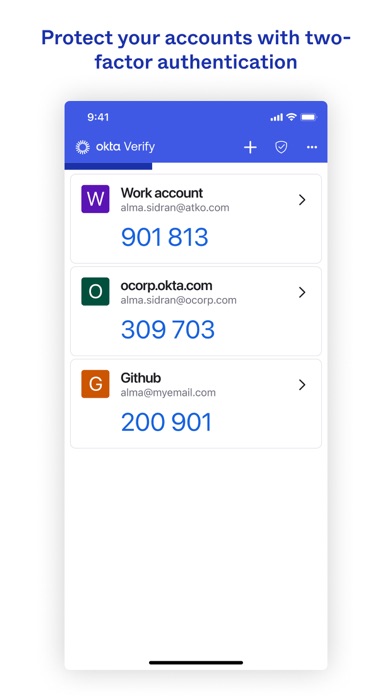
- Flexible Verification Methods: Choose between receiving a secure, temporary 6-digit passcode or approving a direct push notification sent straight to your registered device.
- Multi-Account Management: Easily register and manage multiple Okta accounts, keeping your various professional profiles organized within a single interface.
- Broad Integration: Beyond the Okta ecosystem, you can utilize the app to generate 2-factor authentication codes for external web services and non-Okta applications.
- Privacy-First Design: Okta values user privacy. The app does not store personal data and only requests access to your camera to scan QR codes during initial device enrollment.
Who Is It For?
This application is highly recommended for employees, contractors, and IT administrators operating within organizations that utilize Okta for identity and access management. It is an essential tool for remote workers who require consistent, secure access to company portals from their Mac or mobile devices.
Streamlined Setup and Deployment
Setting up Okta Verify multi-factor authentication is straightforward. Users simply download the application to their registered device, scan a QR code provided by their organization's IT department, and instantly activate secure push notifications or code generation. This eliminates the friction often associated with corporate security compliance.
Our Editorial Verdict
For organizations relying on Okta's identity cloud, this app is an indispensable utility. Its lightweight footprint, commitment to user privacy, and dual-method authentication make it a top-tier security companion. To secure your corporate environment today, we invite you to check out the official app listing on the Apple App Store.
Rate the App
User Reviews












Popular Apps










Editor's Choice